
How it works
Simple steps to own your client data and invoices
From purchase to running your
business: three steps
Step 1 — Buy it. Purchase in the shop (AU$149, once). At checkout, tell us your business name and details — or just reply to your order email with them.
Step 2 — You brand it. Within 2 business days you’ll receive your copy of MyHubMyWay by email, custom-brand with your logo — your name through the whole system and on every quote and invoice — together with the Setup & Backup Guide.
Step 3 — Open it and work. Double-click the file. It opens in one second on your web browser (Chrome recommended), ready to use. Add your bank details on the built-in settings screen, import your existing client list from a spreadsheet if you have one, and you’re running. Most people are set up in five minutes.
What you receive
MyHubMyWay, custom-branded and licensed to your business
The Setup & Backup Guide (PDF) — plain English, no jargon
Built-in import for your existing client spreadsheet (CSV from Excel, Numbers or Sheets)
Fair-use after-sales help by email, from the bloke who built it
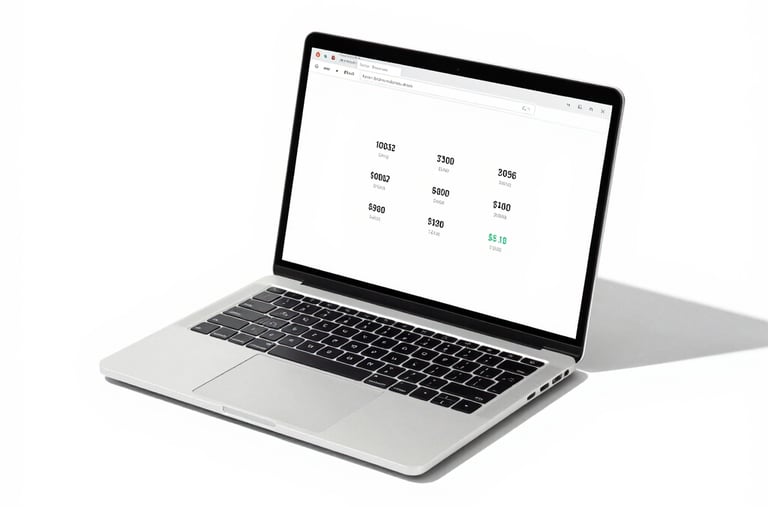
Your computer
A computer (Mac or Windows) with a web browser. That’s the whole list.
No account. No special installation. No internet needed after delivery.